Send the assessment or background check invitation to the candidate
1
Select a Candidate from the Candidate List
Navigate to the Candidate List page and select a candidate.

Assessment or Background Check tab.2
Select test & send the notification
Click the 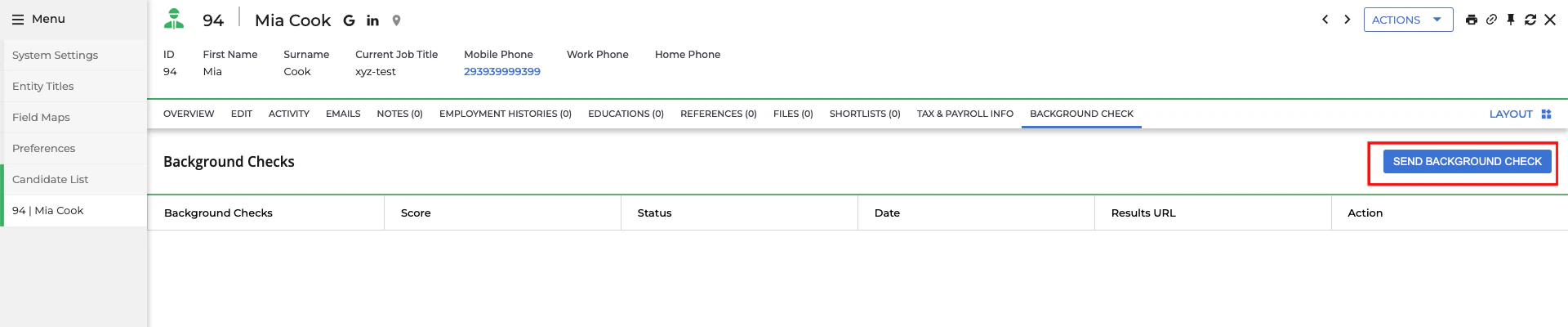

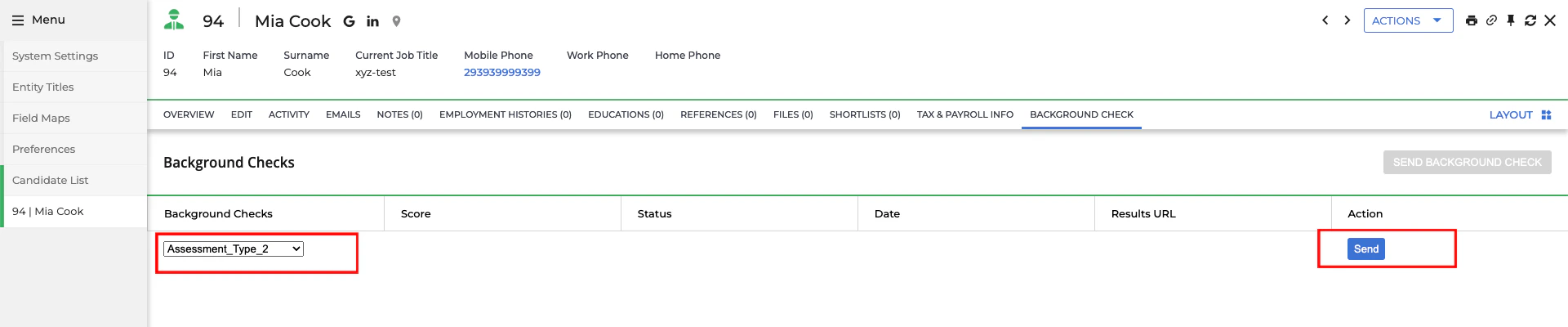
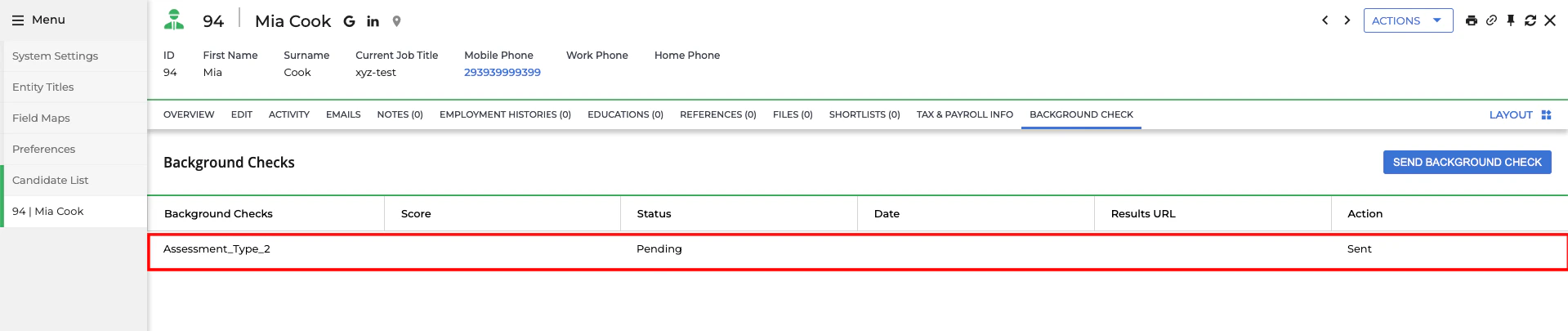
Send Assessment or Background Check button.Send button to dispatch the notification.Pending status.Check the updated result of the candidate’s assessment or background check invitation
1
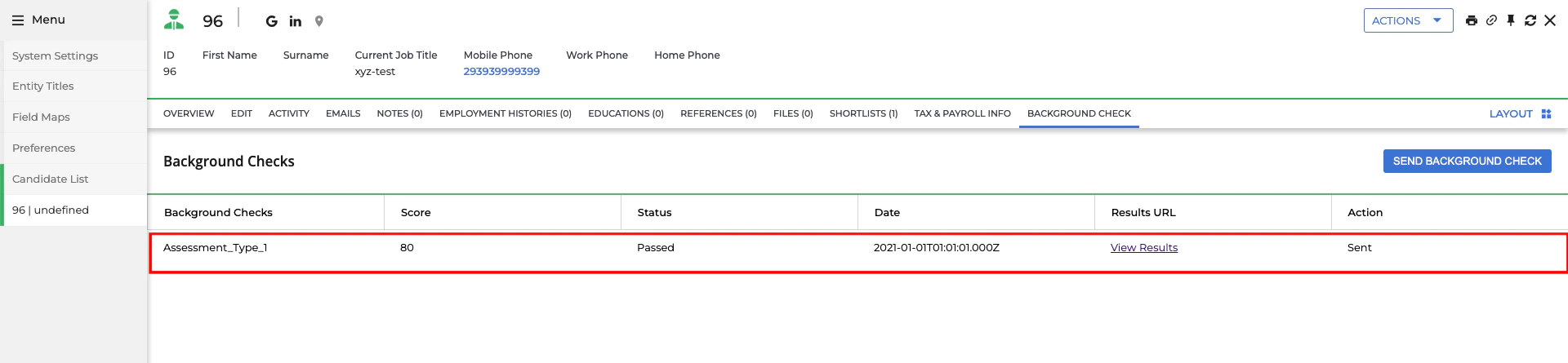
See the updated results of the assessment or background check
Click on the candidate’s name to view their application. When the candidate has completed the assessment or background check, you will see the updated results along with the score from the test.